Snap & Quote: Let Studio Count the Balloons for You
Eleira Studio guide · about 1 min
A client sends a Pinterest photo and asks, “How much would this be?” Instead of counting balloons by hand, upload the photo to Snap & Quote. Studio finds the elements (garlands, arches, columns, bouquets), the colors and sizes, and works out how many balloons you need. Every plan includes 10 free analyses.
1. Upload the photo
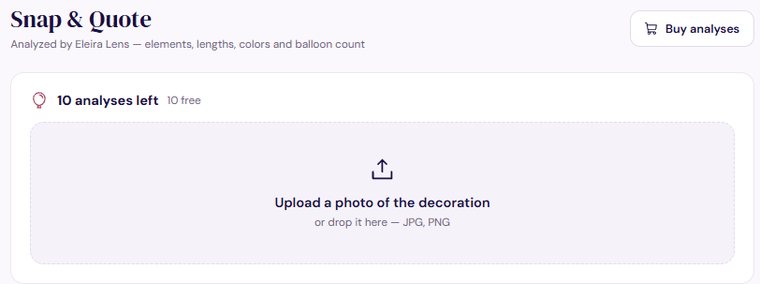
Open Snap & Quote in the menu and tap Upload a photo of the decoration (or drop it in on a computer). JPG and PNG work. Tap Analyze (1 analysis) — it takes about 20–40 seconds.
2. Check the result
- Elements — what the AI saw. For garlands, check the length and fix it with shorter / longer if you know the real size.
- Colors — the shades, matched to brand color names.
- Balloons — how many of each size and color, without spares for pops.
The “high / medium / low accuracy” badge shows how sure the AI is. On “low”, double-check the count.
3. Make a quote
Under the result, tap Quick Quote. A new quote opens with the photo and the style of the design. Add your line items and prices and the client's name (see Your first quote) — the balloon count helps you price it. With Standard you can tap Open in the Calculator instead: it adds spares, materials, labor and travel and suggests a price.
Every analysis stays under “Recent analyses”, so you can open it again any time.
How to Publish Your Free Profile on eleira.net
A free page with your photos in the US decorator directory and on Google. What to fill in so clients in your state can find you.
Can't find an answer? Email us at [email protected] — Nadezhda replies personally. · All guides